Conserving, protecting and restoring cold-water watersheds of North Georgia.
Desktop Calendar Apps
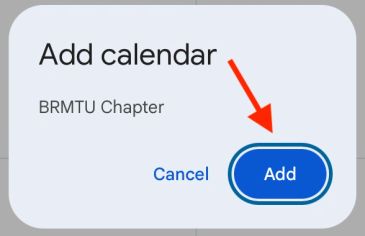
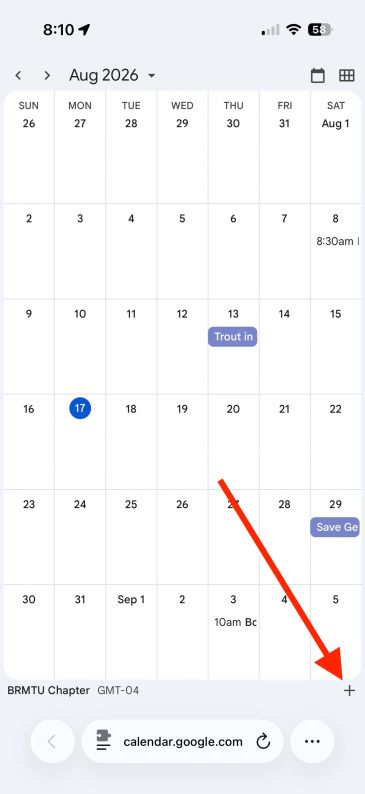
Google states that new subscriptions must be added using a desktop/laptop computer web browser. Then, subscribed calendars will appear in your mobile app assuming you have the same Google account configured. Refer to Subscribe to someone else’s calendar - Computer - Google Cal…) for complete information.
- Go to https://calendar.google.com/ in a web browser.
- On the left, locate Other calendars.
- Click the + icon next to Other calendars.
- Select From URL.
- Paste the calendar’s public iCal address that you copied earlier.
- Select Add calendar.
- Confirm that the calendar appears under your list of Other calendars.
- Select or clear the calendar’s checkbox to show or hide its events.
Refer to Apple Support Subscribe to calendars on Mac for complete information.
- Open the Calendar app.
- From the menu bar, select File → New Calendar Subscription.
- Paste the calendar’s public iCal address that you copied earlier.
- Select Subscribe.
- Enter a name and choose a color.
- Under Location, select one of two options: a) iCloud to display the subscription on other Apple devices or, b) On My Mac to keep it only on that computer.
- Choose an Auto-refresh interval.
- Configure alerts or attachments as desired.
- Select OK.
New Outlook is a web-based client built on a streamlined, cloud-first architecture designed to match Outlook for the Web.
- Open Calendar.
- Select Add calendar.
- Select Subscribe from web. (Using a web-based subscription generally provides better cross-device availability than adding the calendar as a local Internet Calendar in classic Outlook.)
- Paste the public iCal address that you copied earlier.
- Enter a name and configure the available appearance settings.
- Select Import or Save.
Classic Outlook is a native Windows desktop application, while the New Outlook is a web-based client built on a streamlined, cloud-first architecture designed to match Outlook for the Web. Microsoft is gradually transitioning users to the New Outlook (with Classic Outlook supported until at least 2029)
This method is required if you would like the calendar to be available in the Outlook mobile app. Refer to  deepamKolheImport or subscribe to a calendar in Outlook.com or Outlook … for complete information.
- Sign in to Outlook on the web.
- Open Calendar.
- Select Add calendar.
- Select Subscribe from web. (Despite the button being labeled Import, the Subscribe from web option creates an updating subscription. Do not use Upload from file when automatic updates are required. Microsoft notes that subscribed-calendar updates can take several hours and occasionally more than 24 hours. )
- Paste the public iCal address that you copied earlier.
- Enter a calendar name and select any available display options.
- Select Import.
Refer to  Adding a holiday calendar | Thunderbird Help for complete information. The instructions for adding a holiday calendar are very similar to the steps below.
- Open Thunderbird.
- Select File → New → Calendar. You may need to press Alt to display the menu bar.
- Select On the Network.
- Select Next.
- Paste the public iCal address that you copied earlier into the Location field.
- Select Find Calendars.
- Enter a name and choose a color if prompted.
- Select Subscribe.